Free Editable Classroom Newsletter Template
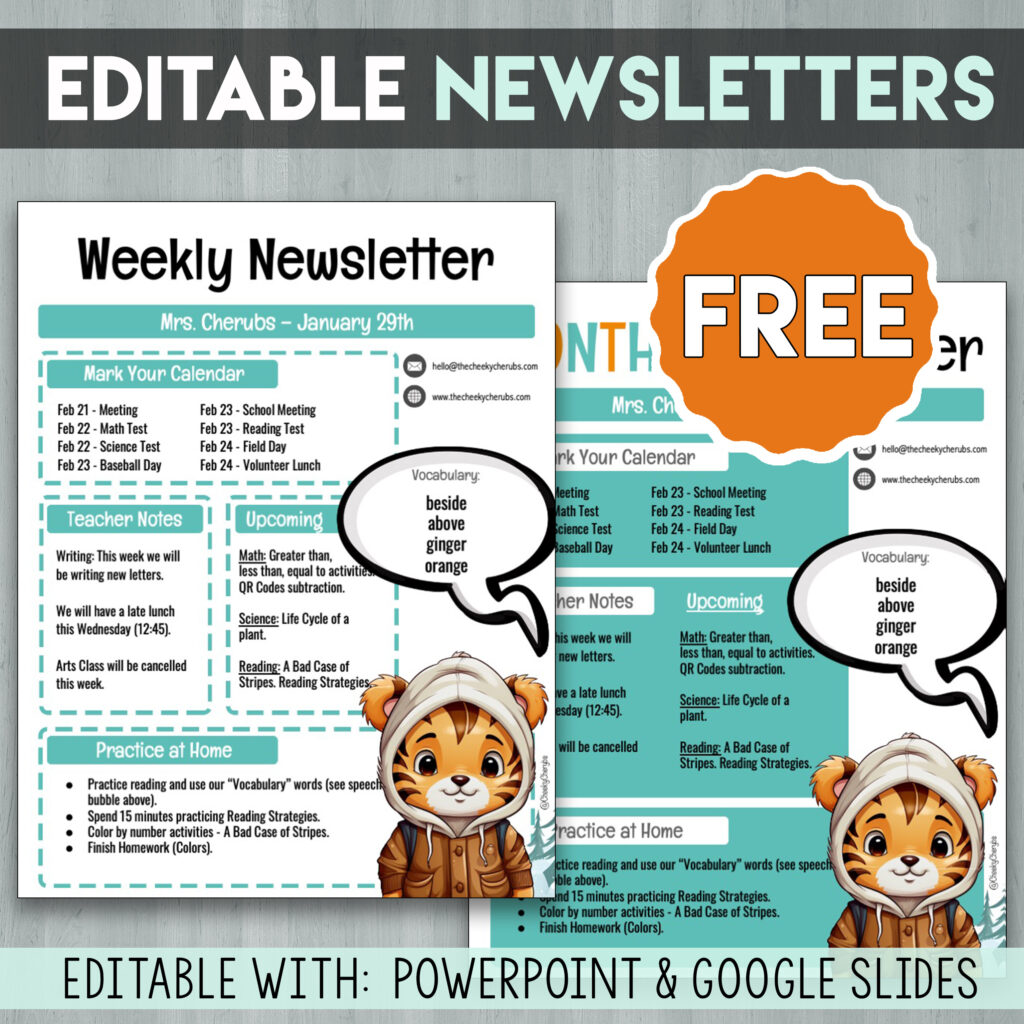
Keep families in the loop without starting from a blank page every week. This free, fully editable classroom newsletter template makes sharing what’s happening in your classroom quick and easy.
Why Teachers Love This Newsletter Template
Save Hours of Writing Time
Skip the blank document. Just drop your updates into the ready-made sections — the cute graphics are already done for you.
Keep Parents in the Loop
A consistent newsletter builds trust with families and keeps everyone updated on classroom happenings, homework, and upcoming events.
Easy to Print or Send Digitally
Print copies to send home in backpacks, export as a PDF to email home, or share it through your class website or apps like Seesaw and ClassDojo.
Key Features of the Classroom Newsletter Template
- Fully editable PowerPoint and Google Slides file
- Sections for announcements, reminders, and upcoming events
- Space to highlight student shoutouts and classroom news
- Colorful font and adorable graphics suited to grade school kids
- Fully editable text, images, colors, and sections
- Available for immediate download
This might be the easiest newsletter you send all year – download it now and customize it in minutes! Let us know if you have any other questions.
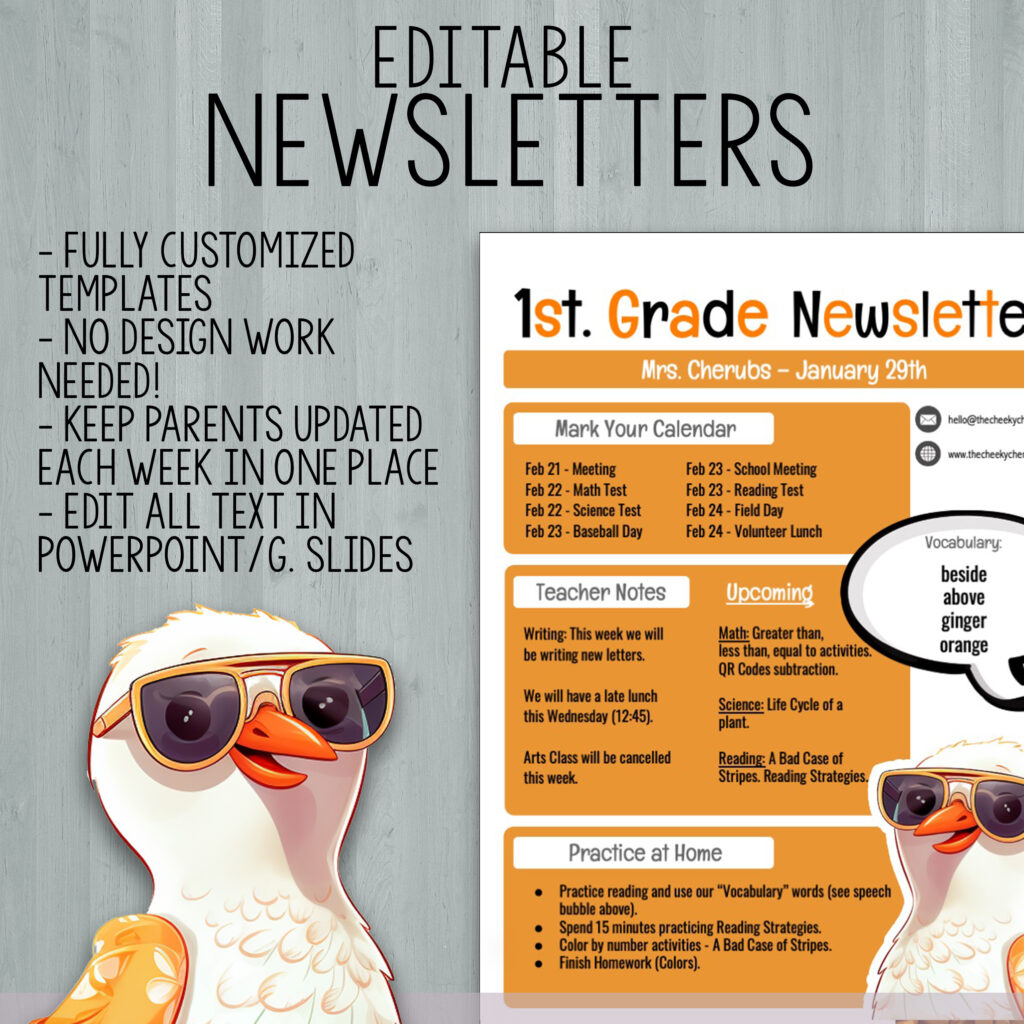
While this newsletter template is built for weekly or monthly family updates, some clever teachers have found even more uses for it in their classrooms:
- Weekly classroom updates for families
- Monthly highlights and reading logs
- Homework and reminder announcements
- Substitute teacher information sheets
- Classroom event and field trip reminders
- Student of the week shoutouts
- Fundraiser and PTA announcements
- End-of-year recap letters to families
And much more! The editable layout makes it easy to fit whatever your classroom needs to share this week.
Additional Teacher Questions About Classroom Newsletters
– How do I customize the text and sections on the newsletter?
Simply open the template in PowerPoint or Google Slides and edit the pre-populated text boxes. Replace placeholder text with your own announcements, reminders, and updates. Easy drag-and-drop editing makes filling it out painless.
– Can I edit images, graphics, or the color scheme?
Absolutely! All visual elements, including graphics and font/background colors, are editable to match your classroom theme. Make it your own.
– Can I send this newsletter digitally instead of printing it?
Yes! Export the finished newsletter as a PDF or image to email to families, post on your class website, or share through apps like Seesaw and ClassDojo.