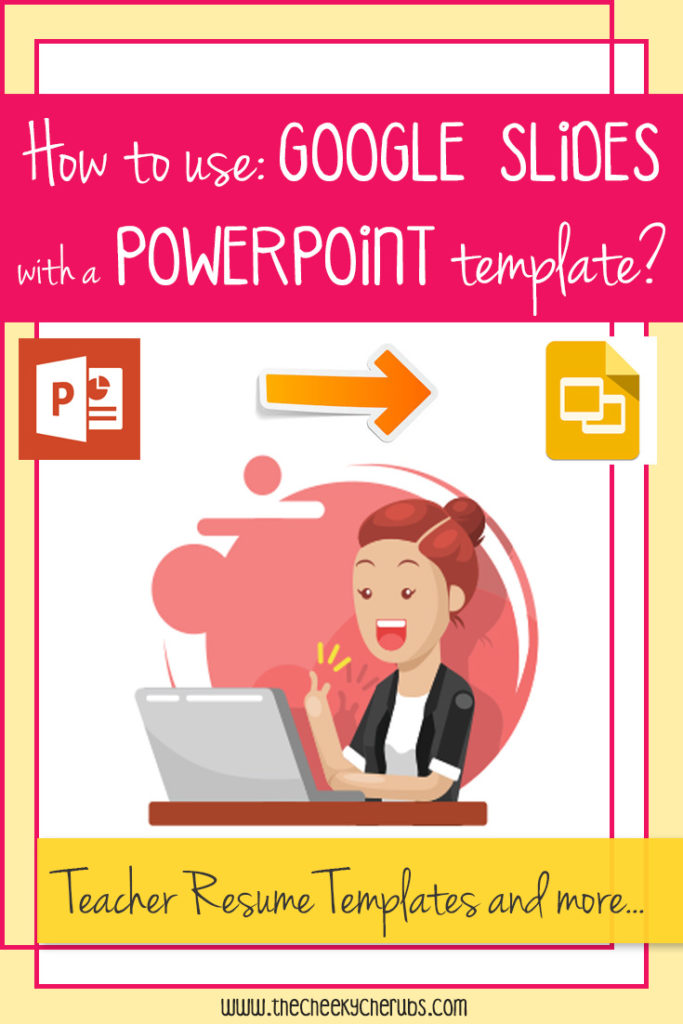
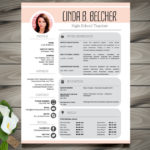
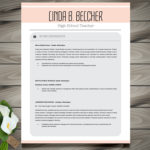
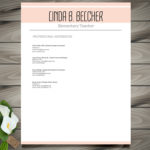
Hey All! Recently I started using Google Slides instead of PowerPoint to upload and edit my Teacher Resume Templates. I find Google Slides much easier to work with than PPT. It has great features, so I am encouraging all my customers to use it as well. Besides the Resume Templates, I have several other teacher materials you will be able to edit on Google Slides. My Teacher Portfolio is a great one to use in conjunction with the resumes. It’s a 38+ page product that can be customized to fit the specifics of your education, experience and passions to better promote yourself to potential employers – all completely editable with Google Slides – check it out!!!
Here’s a list of products I have in my store that you will be able to use and edit on Google Slides:
- Teacher Resume Templates (on this page you will be able to check them out and purchase your template).
- Teacher Portfolio (This material will be extremely helpful for interviews).
- Parent/Teacher Conference Forms
- Classroom Newsletter (FREE for a limited time!!!)
Below I’ve laid out the steps to teach you how to upload my Teacher Resume Template to Google Slides and be able to make all your personal modifications:








 Pete the Cat – Activities